
Nibble
A schema-driven CMS you install as your own Rails application — your theme, your content, your server.
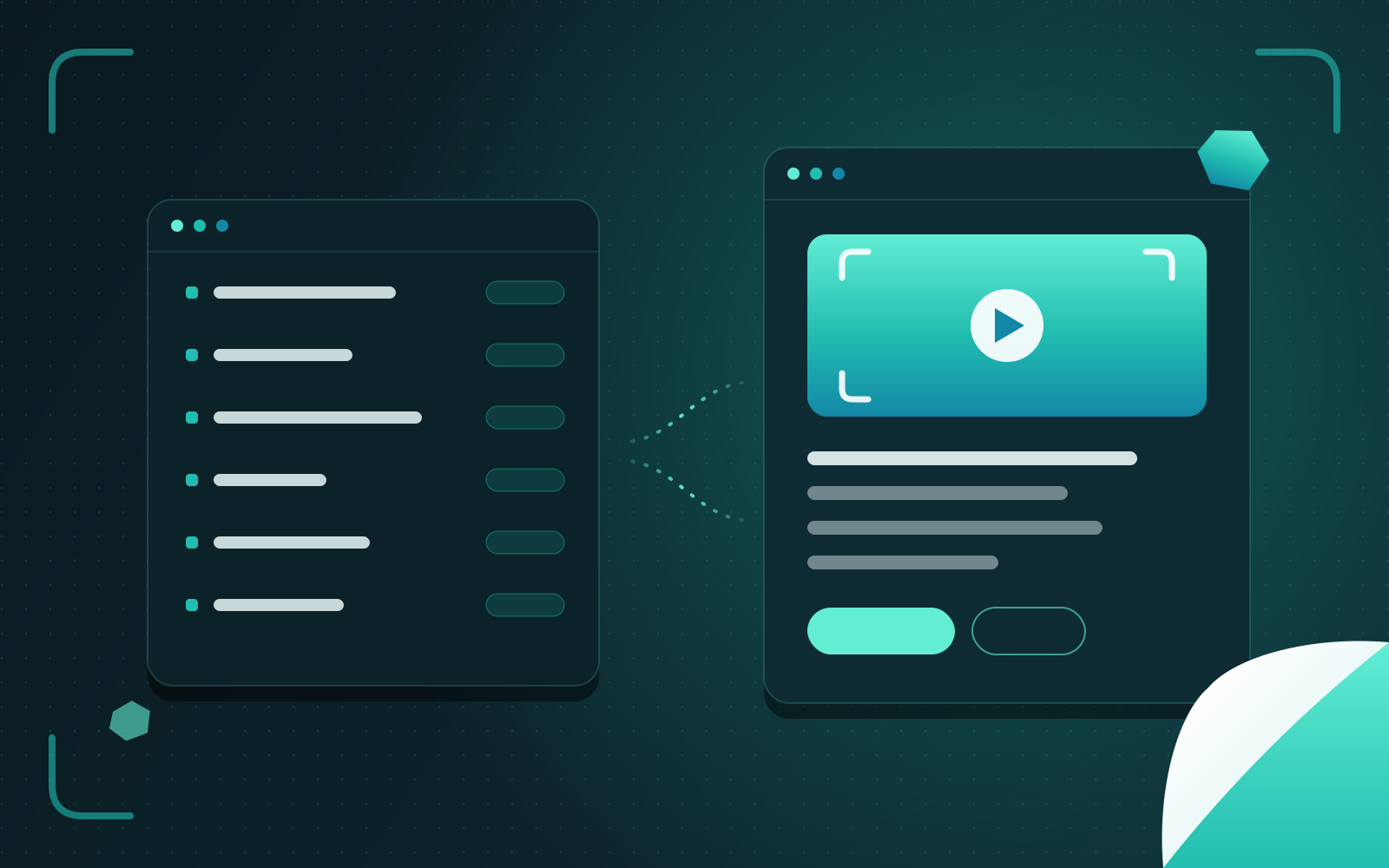
Nibble is a content management system that ships as a Rails 8 application you own. Content is modelled in YAML, edited in a fast Control Plane, rendered on the server with Vue, stored in SQLite and deployed with Kamal to a single machine. This site runs on it.
Why I built it
Over the years I have installed, patched, migrated and rescued more content management systems than I can count — as the engineer who builds the site, and as the administrator who keeps it running afterwards. They tend to fail in one of two ways. The hosted ones are pleasant until you need something they don’t do, and then you discover that your content, your URLs and your deploys belong to someone else. The framework ones give you every freedom, and then ask you to assemble, secure and upgrade a dozen moving parts for a site that has three editors.
Nibble is the system I wanted on both sides of that line. It is a whole Rails application, installed into your own repository: “Install it, and it becomes your site — your theme, your content, your server.” You can read every line, deploy it to a machine you control, and upgrade it without fear.
The line everything rests on
The single most important decision in Nibble is a boundary: everything under vendor/nibble/ belongs to Nibble, and
everything else belongs to the site. The schema, the content, the theme, the deploy configuration and any Ruby you
write live outside that folder, and an upgrade replaces the folder whole.
That one rule is what makes upgrades boring, which is the highest compliment an operator can pay them. The upgrade
command compares every file in vendor/nibble against the release’s manifest and refuses if anything was edited in
place, snapshots the database first, keeps the previous release beside the new one, and then hands over to the new
release to finish the job — so a fix to the upgrade process applies in the very release that ships it. It also refuses
to run anywhere but development, because, as the docs put it, “an upgrade that goes wrong on a server is an outage,
and one that goes wrong on your laptop is an afternoon.”
Behaviour changes follow the same philosophy. A release that would change how a site behaves arrives switched off;
the site opts in by raising load_defaults after reading the changelog. Upgrading alone never changes what visitors
see.
How a page is served
Content is schema-driven. Collections, taxonomies, blueprints, globals, navigation and forms are declared in YAML, read in three layers — Nibble’s defaults, then the theme’s, then the site’s — and the last to define a handle wins. Entries are rows whose fields live in a JSON column and are validated against their blueprint, so adding a field is a schema change rather than a database migration.
A request flows through a short, predictable path: redirects from a cached table, a handful of fixed routes, then a
catch-all controller that resolves the address to an entry, a term or a Markdown file. The view’s query sidecar — a
small YAML file beside the Vue component — declares everything the page needs, and Nibble runs those queries itself.
That is the detail that makes caching precise: because Nibble ran the queries, it knows exactly which records a page
depended on. The rendered page is cached against those dependency tags, echoed as a Surrogate-Key header, and
publishing any record clears exactly the pages that used it — no more, no fewer.
Pages are rendered on the server with Vue 3 and hydrated in the browser through Inertia, so visitors and search engines get finished HTML, and navigation afterwards feels like an app. The editing interface — the Control Plane — is part of the same application rather than a separate front end talking to an API, which is why a new fieldtype is one Ruby class and one Vue component instead of a contract negotiated across a network.
Deliberately not here
The architecture notes list what Nibble does not use: “No Redis, no Elasticsearch, no separate front-end
application, no GraphQL… Each is a thing nobody has to run, monitor or pay for.” SQLite in WAL mode holds the content,
the cache (Solid Cache), the job queue (Solid Queue) and full-text search (FTS5). Backups are nightly VACUUM INTO
snapshots, uploaded to object storage. A site deploys with Kamal as one container on one server.
I have run enough infrastructure to know that every component you add is a pager you might carry at 3am. For the sites Nibble is for, one well-understood database on one well-understood machine is not a compromise; it is the correct design. And the escape hatch is kept honest by a test: an architecture test scans the codebase for SQLite-specific SQL and allows it in exactly two places, search and snapshots, so a future move to PostgreSQL stays a contained piece of work rather than an archaeology project.
Content as files
Some content belongs in the Control Plane; some belongs in a pull request. Nibble lets a folder of Markdown be a
collection. Its first version, in 0.7.0, synced files into database rows — and promptly taught me why syncing is the
wrong idea, when a route and a file disagreed and nothing reported the difference. Two releases later, 0.13.0 replaced
the sync with an in-memory index read at boot: “Nothing is synced, nothing is migrated, and there is no step to
remember on a deploy.” Each page keeps a stable id: in its frontmatter, so moving or renaming a file changes its
address without changing its identity, and images beside the Markdown are published under content-hashed names with
responsive sizes. The projects on this site are exactly that: a folder of Markdown, reviewed like code.
AI agents, as the person who connected them
From 0.19.0, AI applications — Claude, ChatGPT, Codex, Cursor — can work on a Nibble site over MCP, signed in with OAuth. The design principle is that an agent is never a superuser with good intentions. Its permission is the person’s roles ∩ the app’s grant ∩ the site’s agent-access settings, and every change, from any caller, goes through one lifecycle that requires an explicit actor — there is no default, so no code path can forget who is acting. Live changes can be held for approval, and approving one re-checks permissions at that moment before carrying it out.
The REST management API and the MCP server are both generated from a single registry of 27 operations, guarded by a snapshot test so that changing what an app can do is always a deliberate act. Defaults start narrow — reading, and drafting entries — and device-code sign-in is off by default because codes can be phished.
Engineering discipline
Nibble’s bin/ci runs more than a dozen steps before anything is released: RuboCop, schema and content checks, ESLint,
Prettier, vue-tsc against types generated from the schema, frontend unit tests, bundler-audit, Brakeman with
warnings treated as failures, client and server-render builds, a server-render smoke test that renders every page
component with only shared props, a smoke test that packs a release, installs it the way a new user would and upgrades
it to a second release, the Rails test suite — around two hundred test files — and the seeds.
Security work is visible in the changelog rather than buried: sanitisers for rich text, Markdown and SVG with tests
proving script elements, event-handler attributes and javascript: URLs are stripped; an SSRF guard on every outbound
request that resolves DNS and refuses private and reserved address ranges; passkeys; server-side expiry of idle
sessions; protection against CSV formula injection in exports; and rate limiting on failed sign-ins.
The rule I hold the codebase to is written at the top of its invariants: “Each has a test, because a rule nobody enforces is a preference.”
Where it stands
Nibble is in public beta and has shipped 25 minor releases since its first public commit, each with an entry written for the person running a site rather than for someone reading the diff. It is MIT licensed, installs with a single command from nibble.ink, and this site — its projects, writing and pages — is built on it with a theme of my own.