
EarPort for Hyprland
AirPods on a Hyprland desktop: battery, noise control and settings in the shell's bar and control centre, through EarPort's Bluetooth daemon.
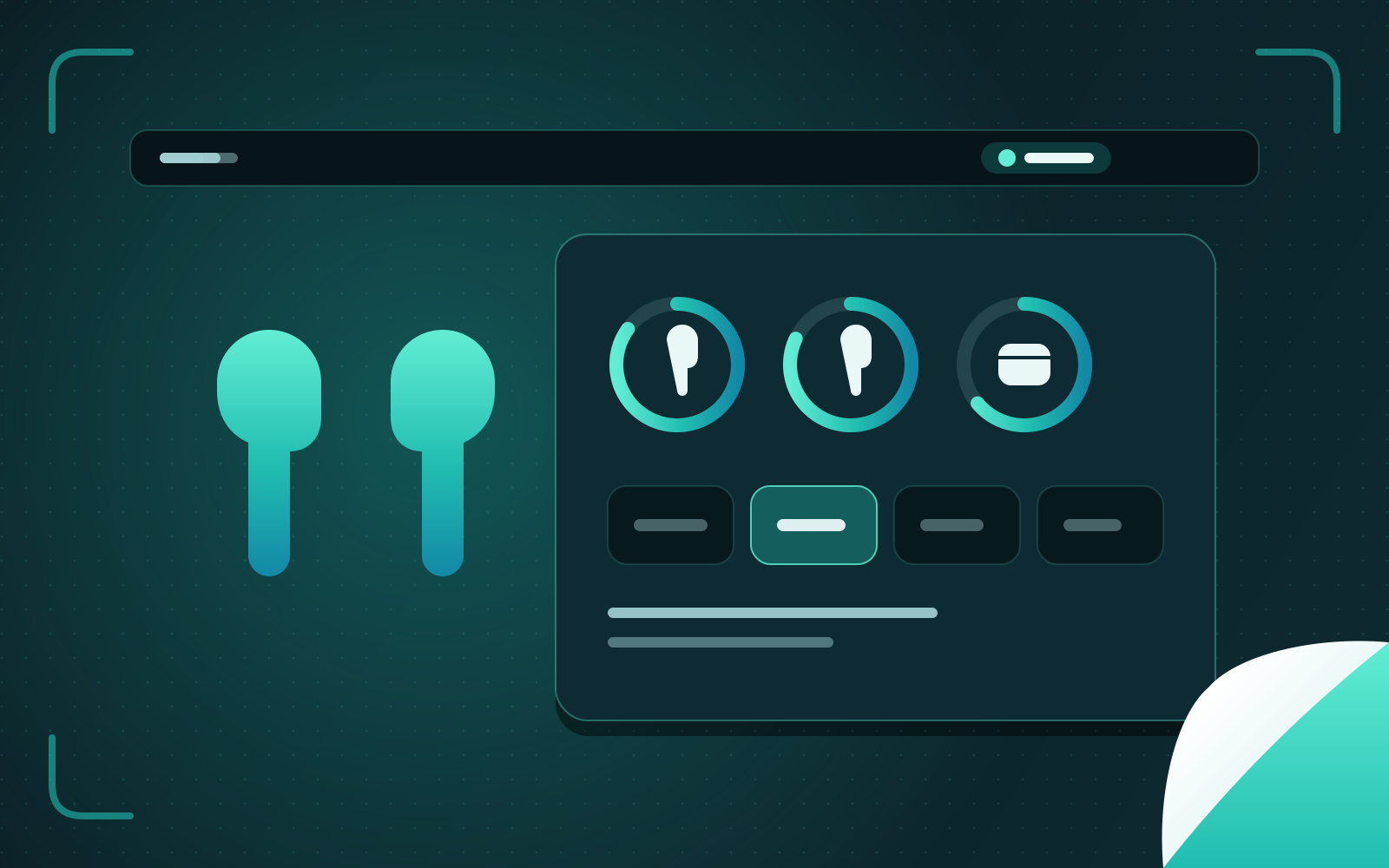
EarPort brings full AirPods support to GNOME. I took it to Hyprland: a plugin for Dux Shell, the Quickshell-based desktop shell, written in QML, and the changes that let EarPort's daemon run without GNOME at all.
EarPort
EarPort brings Apple AirPods properly to Linux: battery levels for each pod and the case, noise control, ear detection that pauses your music, conversation awareness, and the settings stored on the AirPods themselves. A small daemon written in C talks to the AirPods over Bluetooth and publishes their state on D-Bus; a GNOME Shell extension shows it in Quick Settings.
That is ideal on GNOME. I use Hyprland.
Taking it to Hyprland
On Hyprland my desktop shell is Dux Shell (DMS), built on Quickshell and extended in QML. So I wrote EarPort a plugin for it, as a peer of the GNOME extension rather than a port:
- A widget in the bar with the AirPods’ battery at a glance, and a panel in the control centre with a ring for each pod and the case, the noise-control modes, and the AirPods’ own settings.
- A daemon component that watches EarPort over D-Bus. The shell could lose its D-Bus subscriptions, so the plugin runs a signal monitor of its own and never misses an update.
- Settings in the shell’s own settings page.
Making the daemon desktop-neutral
The plugin is only half of it. The daemon had quietly assumed GNOME, so I changed what it relied on:
- Sleep detection outside GNOME. Pausing playback when you fall asleep needs to know whether you’re using the computer; the daemon now reads idle time from logind when GNOME isn’t there to ask.
- Installing without GNOME Shell. The installer can now set up the daemon alone, for desktops that use the plugin instead of the extension.
The result is the same AirPods experience on a tiling Wayland desktop as on GNOME — and the plugin kept up with Dux Shell’s move to version 2.0.