Darwan
One app to choose, configure, preview and apply themes to both of your gates — the login screen and the lock screen.
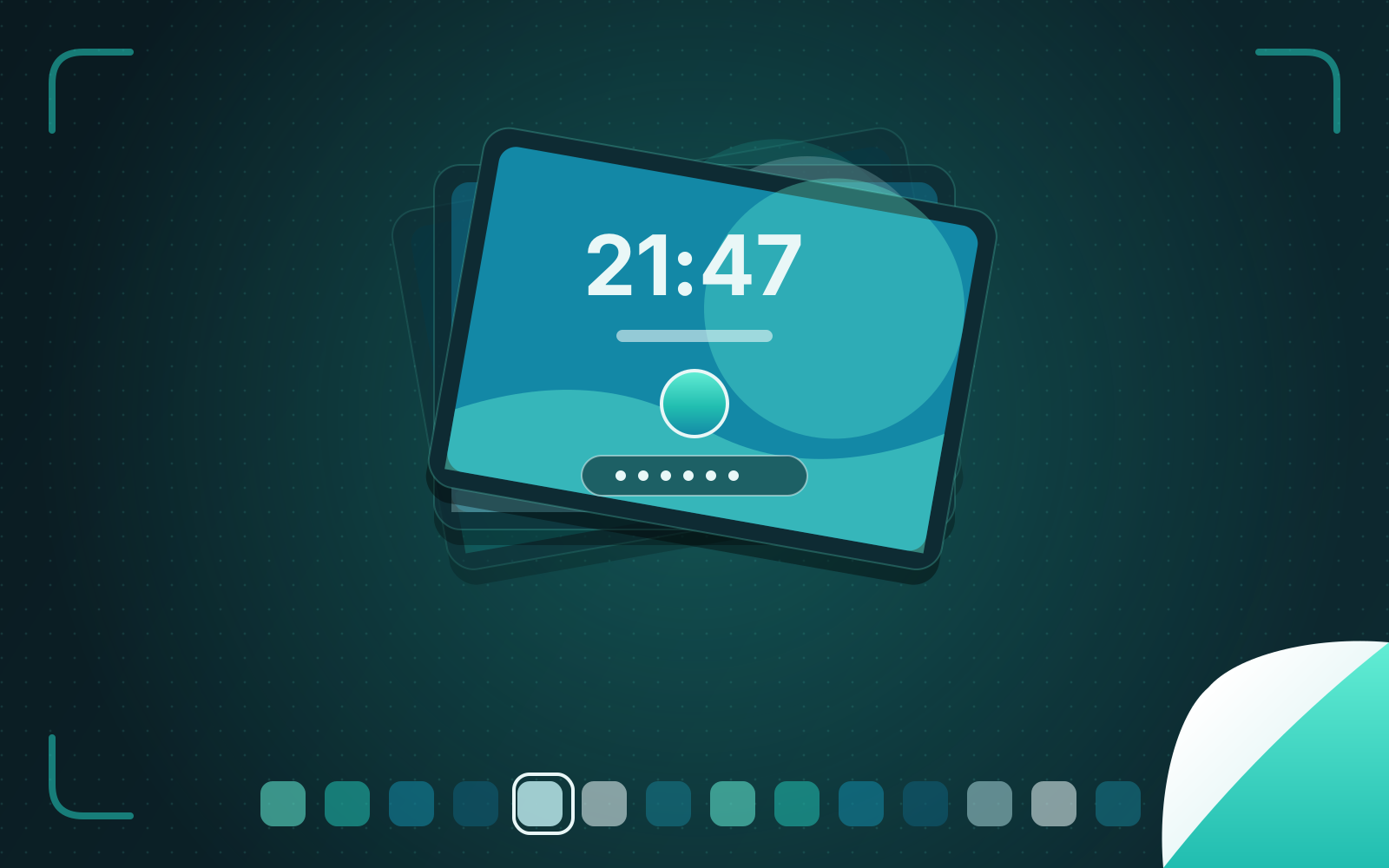
Darwan is a theme manager for Arch Linux that applies a collection of 40 hand-crafted themes, designed by Darkkal44 for the qylock project, to the SDDM login screen and the Quickshell lock screen. I built the app around them — a Rust core with a CLI, TUI and Qt/QML interface, a lock supervisor that can't lock you out, and a root helper that trusts nothing it is handed.
Two gates, one problem
Darwan is Bangla for gatekeeper. Every Linux desktop has two gates: the login screen when the machine starts and the lock screen when you step away. On Arch with a Wayland compositor such as Hyprland, those are usually two different systems — SDDM and a Quickshell lock — themed separately, by hand, in configuration files that are easy to break and unforgiving when you do.
The themes in Darwan come from qylock by Darkkal44, and the credit matters: “Every theme in this collection was designed and built there… Darwan only builds an app around that work. The hard, creative part is theirs.” My part was the engineering that makes forty very different themes safe and simple to use on two very different hosts: a shared Rust core, three interfaces on top of it, a runtime that lets one theme run in both places, and the safety work that a login screen and a lock screen demand.
One core, three faces
Darwan is a Rust workspace. darwan-core holds the theme catalogue, configuration, validation and settings with no UI
dependency at all. On top of it sit a command-line interface and a terminal UI built with ratatui (with real image
previews in terminals that support them), and a desktop app written in QML on Qt 6 through cxx-qt. Because all three share
the same core, “they behave identically.”
Themes describe themselves. Each ships a small manifest that declares its options — types, choices, and which options depend on others — and what it supports: clock and date formats, backgrounds, colours, fonts, motion, light and dark variants. The interfaces build their forms from that manifest, so an option a theme doesn’t support is shown disabled with the reason, rather than silently doing nothing. Your choices live in one configuration file, edited in place so your comments survive, and “nothing inside the theme folders is ever edited.”
Designing a lock screen that cannot lock you out
A broken theme on a desktop is an annoyance. A broken lock screen is a locked-out user, and the only fix may be a reboot or another TTY. Darwan treats that as the central risk:
- A supervisor runs the lock. Exit codes form a small protocol — authenticated, or a dismissed screensaver. On a crash the lock restarts with exponential backoff from 100 ms to two seconds; thirty stable seconds reset the failure count. It only gives up when the lock never took hold at all, because “a lock that never took hold protects nothing.”
- There is always a way in. If a theme fails, the user sees a plain fallback password prompt instead of a black screen.
- It checks the compositor first. Darwan refuses to lock unless Hyprland is configured to let a replacement locker take over the session, and it sets up idle and sleep handling so the screen is locked before the machine suspends.
- You can test without risk. Previews run live in the app with a test password, full screen on every monitor with your real password, in SDDM’s own test greeter, or headless with screenshots — before anything is applied.
A root helper with no trust in its caller
Writing an SDDM theme means writing to system directories, which means root. Darwan confines that to a small helper, started through polkit with its executable path pinned in the policy. The helper does not trust the app that calls it:
- It reads a single bounded JSON request and then the file contents from standard input — “nothing is taken from a path” — so it can’t be pointed at files it shouldn’t read.
- It re-validates every setting against the theme’s manifest itself, checks files by their magic bytes (“a renamed file of another kind is refused”), and caps sizes for fonts, images and video.
- It writes atomically, stages its symlink and swaps it in with a rename, and refuses to touch anything that “exists and is not darwan’s symlink.”
The bug where SDDM ran the previous theme
One of the more instructive bugs: after switching themes, the login screen showed the new theme’s settings on the old theme’s widgets. The cause was caching. Every packaged theme shared one modification time and one link path, and the greeter caches compiled QML by path and modification time — so it kept running the previous theme’s compiled code. The fix was a link per theme, with stale links cleaned up. The broader lesson, familiar from years of operations work, is that caches key on assumptions, and a deploy that violates the assumption fails silently.
Testing forty visual themes headlessly
Themes are code, and Darwan tests them like code. just check loads every theme offscreen and fails on any QML warning,
then types the password — including from the ambient screensaver mode — and waits for animated submits to finish. A lint
pass enforces the rules that keep a theme fit for a screen that may run for hours: no always-running timer faster than
100 ms, settings that are declared must be read, colour roles must exist, and the shared theme kit must be byte-identical
everywhere. A --no-fonts mode reproduces a fresh install. There are 255 Rust tests, and the release process — clean,
current main, a new version, a non-empty changelog, lint and tests on a fresh build — asks once before anything public
happens.
Shipping
Darwan has had eight releases, five of them in its first four days, adding customisation for every theme (backgrounds
from image, GIF, video or your desktop wallpaper; colours typed or generated in the Material You style; fonts and motion),
a screensaver mode that becomes the lock without reloading, multi-monitor locking and a wallpaper manager. When a
distribution renamed a video library and broke playback, the next release vendored the library and added a fallback. It
is published to the AUR as darwan-bin and darwan, under GPL-3.0, with its site at darwan.dev.