Every administrator has stood in front of a machine that has just come back from a hard reset and asked: what was it doing? And almost every monitoring tool answers: I don't know. The data was in memory, or in a buffer, or in a database transaction that never committed. The tool is most useful at precisely the moment it loses its data.
When I built Sysman, a system monitor for Linux with a collector daemon and a native app, I wrote its first rule before I wrote any code: the last reading before a crash is on disk. Here is what it took to keep that promise, and the operational lessons that came with it.
Write first, and sync
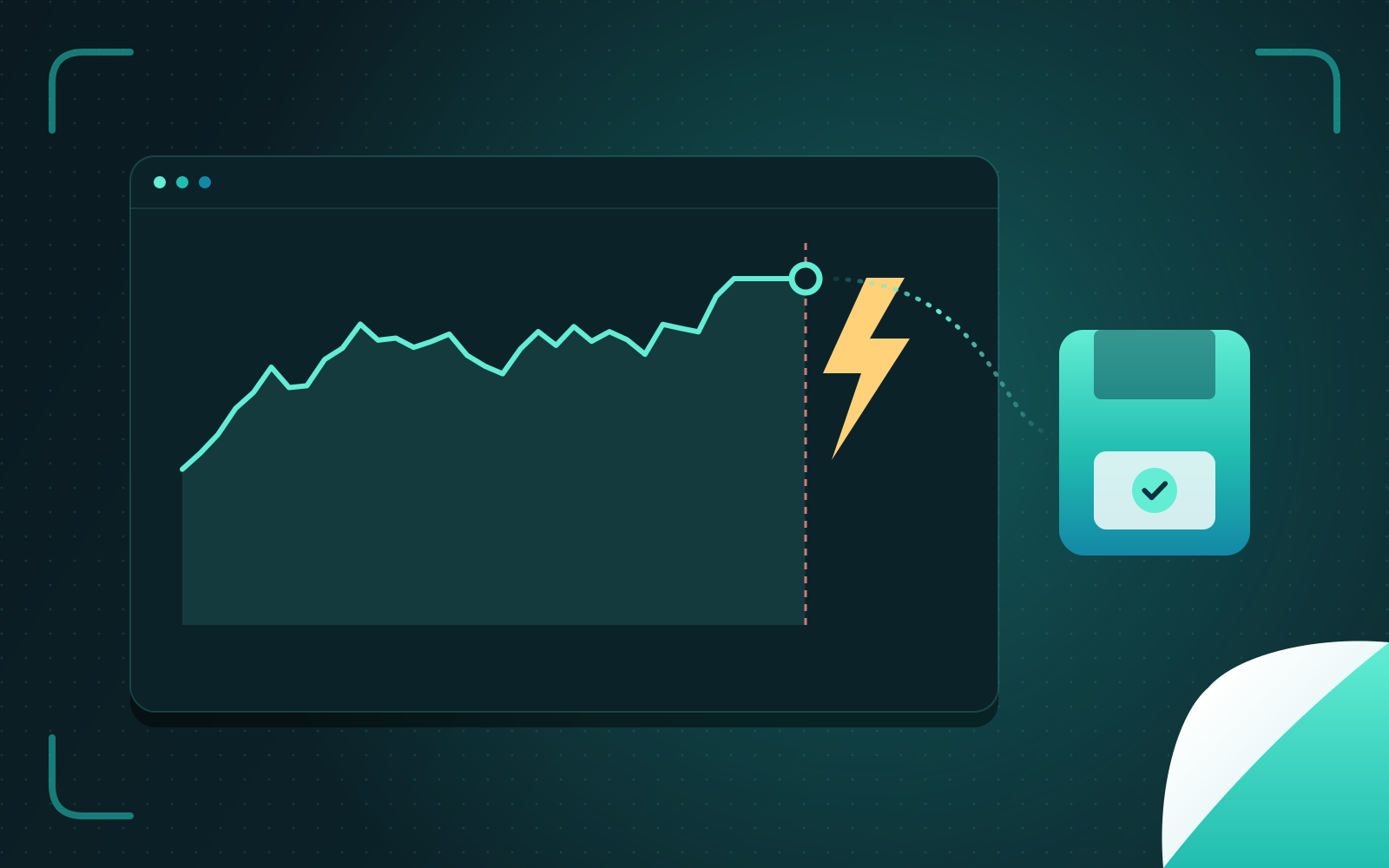
Every two seconds, Sysman's daemon samples the machine — CPU and temperatures, memory and pressure, sensors, GPUs, disks, network, processes — and appends one line of JSON to a log. Then it calls fdatasync and waits for the disk to confirm before it takes the next sample.
That is deliberately old-fashioned. An append-only log with a sync per record is the simplest durable structure there is, and it costs about 290 KB a minute. After a crash, its last lines tell a story: temperatures climbing towards a limit point to cooling; everything flat and normal points to the power supply; a burst of GPU errors points to the driver. You can read it with jq on a rescue system with nothing else installed.
The richer store — SQLite, with roll-ups for long-term history — is fed from the same samples but on its own thread with a bounded queue. If the database ever falls behind, records are dropped and counted, rather than allowed to delay the log. The priority is explicit in the design: "the database never delays the crash log."
One failing source must not stop the others
The second rule is about isolation. A system monitor reads from dozens of sources, and some of them are badly behaved: a sensor chip that takes too long, a filesystem that hangs, a GPU driver that blocks indefinitely. If one of those freezes the collector, you lose every reading — again, at the worst moment.
So every collector module runs on its own worker thread. Ticks are aligned to the wall clock, and each module has a deadline of three quarters of the interval. A module that misses it is recorded as late for that tick and its eventual answer is thrown away; a module still busy from last time is marked busy rather than started twice. Panics are caught. One broken source becomes one line in an error map, not a silent monitor.
The hardest case was a GPU. The vendor's management library can block for a long time when the driver is unhappy — exactly when you want the data most. Sysman calls it on an inner thread with a one-second deadline. After the first hang, that thread is abandoned and the collector switches to the vendor's command-line tool, run as a child process that is killed if it, too, exceeds a second, with at most one outstanding. And a GPU that has powered itself down is never polled awake just to read its temperature.
A budget, measured on a modest machine
A monitor that consumes noticeable resources is a monitor people uninstall. Sysman's design document sets a footprint budget: every collector change is measured for CPU and memory before and after, judged "for a modest laptop rather than for the machine it was measured on."
The budget earned its keep immediately:
A family of motherboard sensor chips turned out to be read over port I/O so expensively that polling them every two seconds cost about 4.6% of a CPU core on its own. Those chips are now read every ten seconds by default.
Following the system journal originally used around 120 MB of memory. Reopening only the journal files that were actually growing brought it down to about 7 MB.
Work that scales with the number of processes is done once per process, not once per tick — a process's parent and cgroup are recorded when it is first seen.
The reference figure is about 2.6% of one core, 85 MB of memory and 23 threads on a 32-thread desktop running around 700 processes.
Honest data
A monitor's job is to tell the truth, including about its own limits. Values that need root are shown as not permitted, never as a misleading zero. A configuration typo stops the daemon rather than silently disabling a collector. And when Sysman explains why a process is running — a service, a timer, a login item, a container — the rule is "facts only: every cause names its evidence, and what cannot be known is said."
Identity gets the same care. A process is identified by its PID and its start time, because PIDs are reused and merging two different processes into one history is exactly the kind of quiet lie that sends an investigation in the wrong direction. Devices are keyed by stable identifiers rather than by their position in a list, so adding a disk doesn't scramble a year of charts.
What carries over
None of this is specific to monitoring. The same principles apply to any system you'll need to understand after it fails:
Decide what must survive, and write it first — durably, simply, before anything that could delay it.
Isolate sources of failure so one bad component degrades the system instead of stopping it.
Give every external call a deadline, and a plan for when it misses one.
Measure your own footprint on the smallest machine you support.
Never present a guess as a fact.
After seventeen years of diagnosing other people's outages, I'm convinced the most valuable feature of any system is that it can tell you, afterwards, what happened.