For most of my career, the question "which database?" really meant "which database server?" PostgreSQL or MySQL, on its own machine or at least its own process, with its own users, its own backups, its own upgrades, its own tuning, and its own place in the monitoring dashboard. I have installed, tuned, replicated and recovered a great many of them, and I still reach for PostgreSQL without hesitation when a system needs it.
But for a large share of applications — content sites, internal tools, small products, and the daemons and desktop software I build — my default today is a file. Nibble runs on SQLite. So does Sysman's history, and rrussat's encrypted message store. Here is why, how to do it properly, and where it stops.
What you remove
The case for SQLite is mostly about what you don't have to run. There is no server process to install, secure, patch or monitor; no network between the application and its data; no connection pool to size; no separate user and permission model to manage. The database is a file next to the application, and it is fast — a query that would be quick over a socket is effectively instant in-process.
For an administrator, the reduction in surface area is the real win. Fewer services means fewer things to fail at 3am, fewer things to keep patched, and fewer places for a security mistake to live.
Doing it properly
SQLite in production needs a few decisions made deliberately rather than by default.
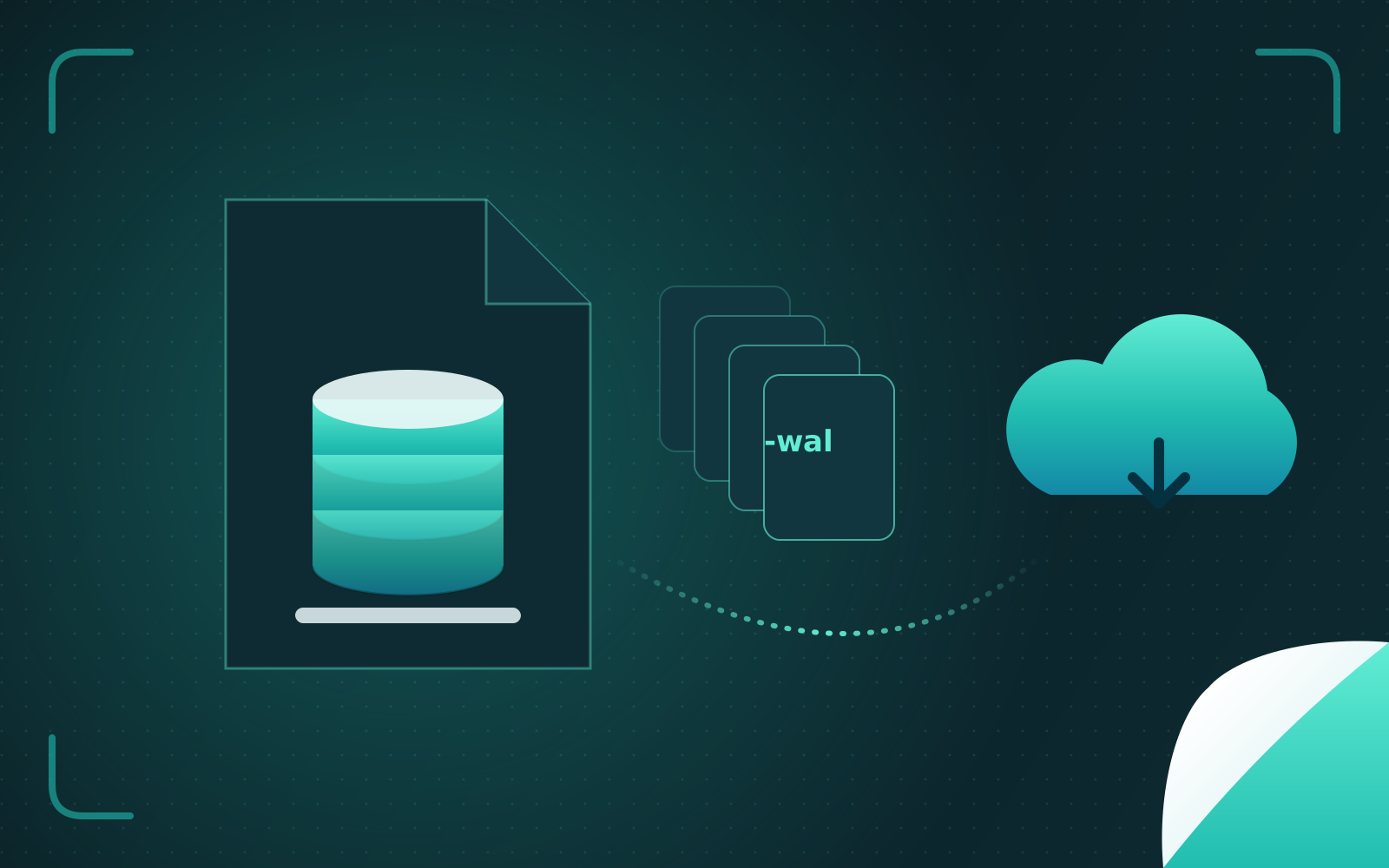
Use WAL mode. Write-ahead logging lets readers proceed while a writer works, which is the single most important setting for a web application. Sysman goes a step further: its desktop app opens the history database read-only while the collector daemon writes to it, which WAL makes safe.
Choose your durability. synchronous=NORMAL with WAL is a sensible balance for most applications. For data that must survive a power cut, decide explicitly — and know that the database isn't the only place to put that guarantee. Sysman writes every sample to an append-only log that is synced to disk before the next tick, and lets the SQLite writer fall behind if it must, "so the database never delays the crash log."
Back up with `VACUUM INTO`. Copying a live database file is how people lose data. VACUUM INTO writes a consistent, compacted snapshot while the application keeps running. Nibble takes one nightly and ships it off the server to object storage; a backup that only exists on the machine it protects is not a backup.
Keep jobs and cache in the same place — carefully. Rails 8's Solid Queue and Solid Cache let background jobs and caching live in SQLite too. One database file to back up and restore is operationally beautiful. It also means one database to watch, so keep an eye on write volume.
Migrate additively. Sysman's history schema only ever adds columns on open — "An existing database is never rebuilt." Additive migrations are safe to run while the old version is still serving, which is exactly what zero-downtime deploys require.
Keep the escape hatch honest
The fear with SQLite is lock-in: what if you outgrow it? The answer is to keep your SQL portable and prove it. Nibble has an architecture test that scans the codebase for SQLite-specific SQL — full-text search syntax, JSON functions, pragmas — and permits it in exactly two modules: search and snapshots. Moving to PostgreSQL would mean reimplementing those two modules and writing a one-off migration script. That is a project, but a bounded one, and the test keeps it bounded as the code grows.
Where it stops
SQLite allows one writer at a time. Writes are fast, so that is rarely the bottleneck people imagine — but if many processes on many machines need to write to the same data constantly, you want a database server, and PostgreSQL is the one I recommend. The same goes for workloads that need fine-grained access control inside the database, or several applications sharing one dataset.
That is exactly why Quarry, the SQL client I build, speaks PostgreSQL, MySQL and SQLite equally: I use the right one for the job, and I want one tool for all of them.
The rule I use
Start with SQLite. Run it properly: WAL, deliberate durability, VACUUM INTO backups shipped off the server, additive migrations. Keep your SQL portable and test that it stays so. Move to a database server when the measurements tell you to, not when an architecture diagram does. Most systems never need to move at all — and the ones that do will move more easily for having started simple.