For most of my career I have been on the receiving end of upgrades, as the person who applies them to servers and keeps the sites on them running — and anyone in that seat knows the kinds that hurt: the new version that quietly overwrites a customised file, the package that moves its configuration and leaves the old one behind, the "simple" upgrade that is only simple because a backup existed. Building Nibble put me on the other side. Once other people run your software, every release has to be upgradable by someone you will never meet, on a server you will never see.
Three lessons, each learned the slightly hard way.
A release can't know its own future
Nibble's Control Plane has an Updates screen that shows the release a site runs and the notes for anything newer. At first it read those notes from a raw file in a git repository. That worked until the day the repository needed to move — and then I hit the part that caught me out.
The upgrade command reads where to fetch releases from out of the version a site already has. So the release that brings in a new address is still fetched from the old one, because it's the old release doing the asking. There is no clever fix: a release only knows the world as it was when it was cut. The honest answer was an upgrade note that says it plainly — run this one upgrade with the new address spelled out — and an address on nibble.ink that I control and can keep serving wherever the code lives.
The rule I wrote down so I wouldn't relearn it: anything a released version reads at runtime is a contract with the future. Update servers, feed URLs, API endpoints, the paths a daemon looks for its configuration. Choose them as if they have to last forever, because for somebody's install, they do.
Upgrading shouldn't require reading my commit log
Until version 0.16.0, a Nibble site was a clone of Nibble's repository, and upgrading meant merging newer tags into it. It worked in the way things work until the day they don't. Every site's repository carried our whole history, and every upgrade was a merge between two parties editing some of the same files. When a conflict happened, the site's owner had to understand my changes to resolve theirs. That's backwards.
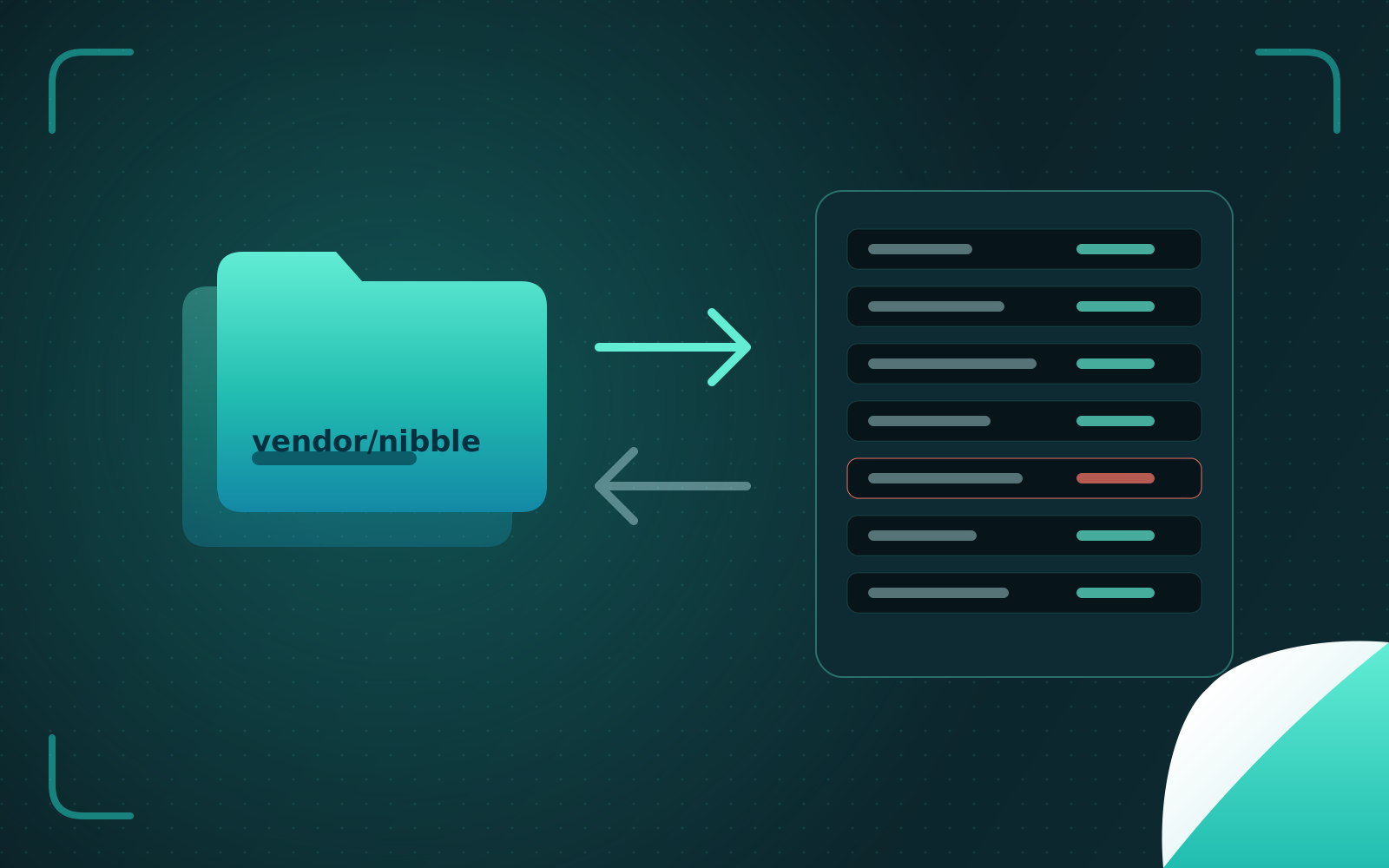
So everything of Nibble's moved into one folder, vendor/nibble, with a rule simple enough for a sticker: everything under that folder is Nibble's; everything else is yours. A release became an archive of that folder with a checksum beside it, and an upgrade became: snapshot the database, replace the folder, keep the previous release in case you want it back.
The best part of that release was deleting code. All the git machinery that made merges bearable went away.
Never throw away what someone changed
Replacing a folder is only safe if you know what the site changed. Two mechanisms make it so:
A checksum for every file. Each release lists every file it ships, with its checksum. If a site edited one of Nibble's files in place, the upgrade notices and refuses, instead of quietly discarding the edit. Refusing loudly is annoying for a minute. Discarding someone's work silently is a betrayal they discover a month later.
Templates are offered, never imposed. The files a site owns — its Dockerfile, its settings — were written from Nibble's templates at install time. When a template moves on, the upgrade shows the difference and offers it, but never overwrites the site's copy.
This is the same discipline I've always wanted from Linux packages: a package manager that leaves your edited configuration alone and puts its new version beside it is one you can trust on a production machine.
The checklist I use now
Every runtime address is permanent. If it might move, put it behind a name you control first.
One owner per file. Mine, or yours — never both. Shared files are where upgrades go to die.
Verify before replacing. Checksums, then a backup, then the change, then a way back.
Refuse, don't guess. When the upgrade finds something it doesn't understand, it stops and says what it found.
Upgrade notes are part of the release. If a step can't be automated, say so in plain words, once, where people will read it.
The original posts: Giving the project an address it can keep and One folder you can throw away and replace.