When I started Sysman, a Linux system monitor that records history, I knew the hard part of its interface would be scrubbing through hours of dense time series without the app stuttering. A web view would have been the quick choice and the wrong one. I chose GPUI, the GPU-accelerated UI framework the Zed team built for their editor. Here is what that was like — and, just as importantly, what it took to ship it.
Why GPUI
GPUI renders on the GPU and is written in Rust from top to bottom. Layout, text and drawing happen in the same language as the rest of the application, so there is no bridge to cross, no second runtime to ship, and no serialisation between the data and the pixels. For an app whose job is to draw a lot of data quickly, that matters. Sysman's daemon, its storage layer and its interface share the same record types from one crate, "so a format change breaks the build, not the screen."
Pin it, and guard the pin
GPUI is young and moves quickly. Sysman pins an exact snapshot of it, along with an exact version of the component library on top. The subtle risk with a fast-moving framework is ending up with two copies of it in the dependency graph — one pulled in by your code, another by a dependency — which compiles, links, and then fails in confusing ways. A small check in the build fails if a second copy ever appears. It's a one-line guard against an afternoon of confusion.
The charts I had to write
The component library's charts didn't do what a monitor needs: monotone curves that don't overshoot the data, a min–max band behind the average, labelled reference lines, honest gaps where data is missing, and one cursor shared across every chart on screen. So Sysman draws its charts directly on a canvas.
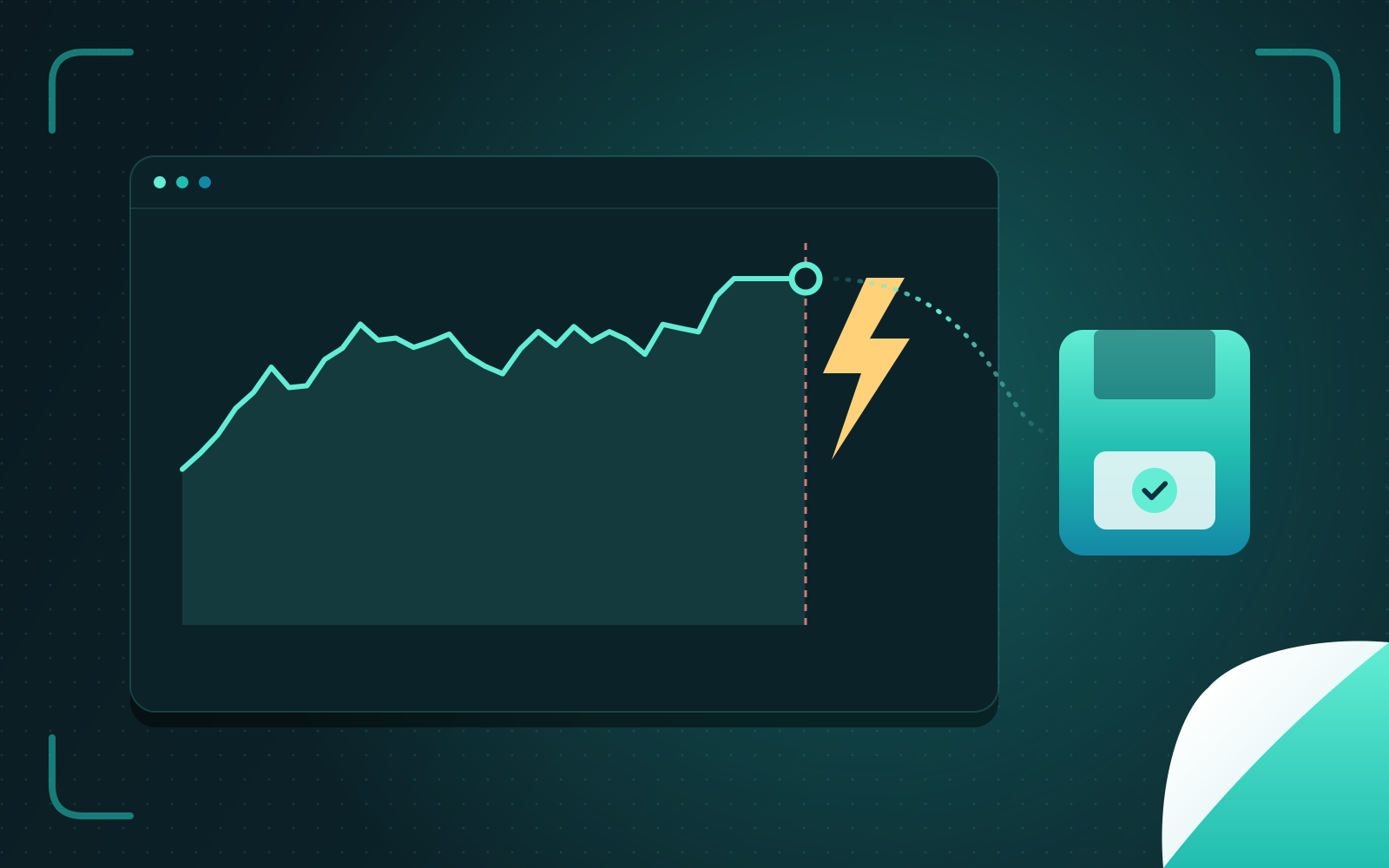
Two decisions keep them fast. The live view keeps a thirty-minute ring buffer per series in memory. The history view never asks for raw points it can't display: each plot requests about 120 buckets of minimum, average and maximum from the appropriate tier — raw data for the last six hours, one-minute roll-ups up to a week, fifteen-minute roll-ups beyond that. A chart of two years costs about the same to draw as a chart of two hours. Hidden tabs are unmounted, and drawn paths are cached by data version and size.
Shipping is the hard part
Writing a native Linux app is one challenge; distributing it so it installs and runs on other people's machines is another, and it's where my years of administering Linux systems were most useful.
Hold the glibc floor. A binary built on a new distribution links against a new glibc and refuses to run on older ones. Sysman's release builds run inside Ubuntu 22.04 and enforce a ceiling on glibc symbol versions, so one binary runs across current distributions.
Declare what you load at run time. Graphics libraries — Wayland, Vulkan, EGL — are loaded dynamically, which means a package manager can't infer them. The packages declare them explicitly, so a minimal install still starts.
Test the install, not just the code. CI installs the Debian package into fresh Ubuntu 22.04, Debian 12 and Ubuntu 24.04 containers, checks that every linked library resolves, and confirms it removes cleanly. A package that installs but doesn't start is worse than no package.
Publish "latest" last. The installer script downloads from the latest release, so a release is only marked latest after every artefact has been uploaded. Otherwise, for a few minutes, the installer points at a release with missing files.
Use the system's fonts. The app uses fontconfig and bundles nothing, so it looks like it belongs on the desktop it runs on.
Sysman ships for Arch from the AUR, as Debian and Ubuntu packages, and as an installer that verifies checksums, keeps a manifest so it can uninstall cleanly, and refuses to run over a package-manager installation.
Would I choose it again?
Yes, with clear eyes. GPUI gave me an interface that feels instant on a machine with thousands of data points on screen, written in one language with the rest of the system. The price is a young framework: pin it, guard the pin, read its source as much as its documentation, and expect to build some components yourself. For software that should feel like part of the desktop rather than a website in a window, I think that price is worth paying.